Forgot Password (Request Password Reset)
Users needing to renew or to replace forgotten password can use the link to reset the password.
To change the password:
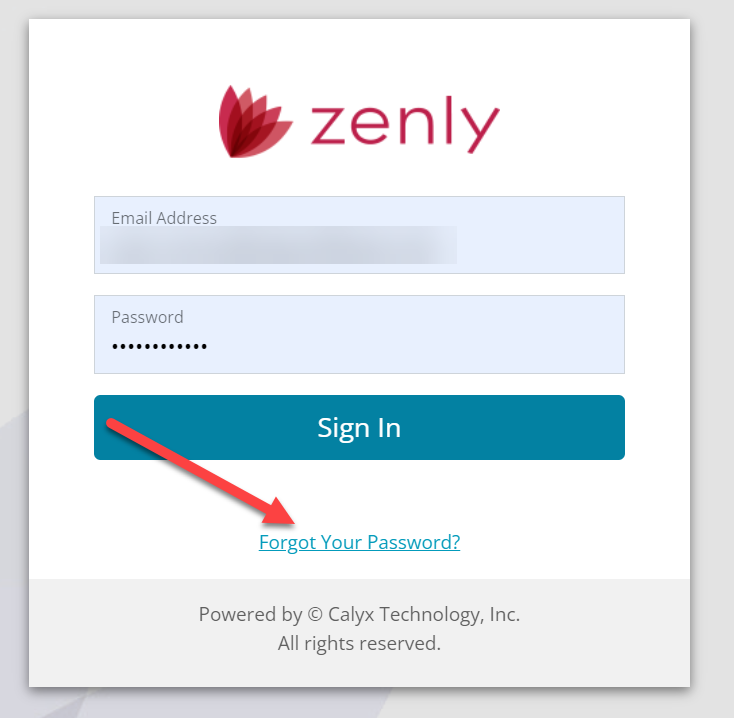
- Click on the Forgot Your Password? link in the sign in screen.
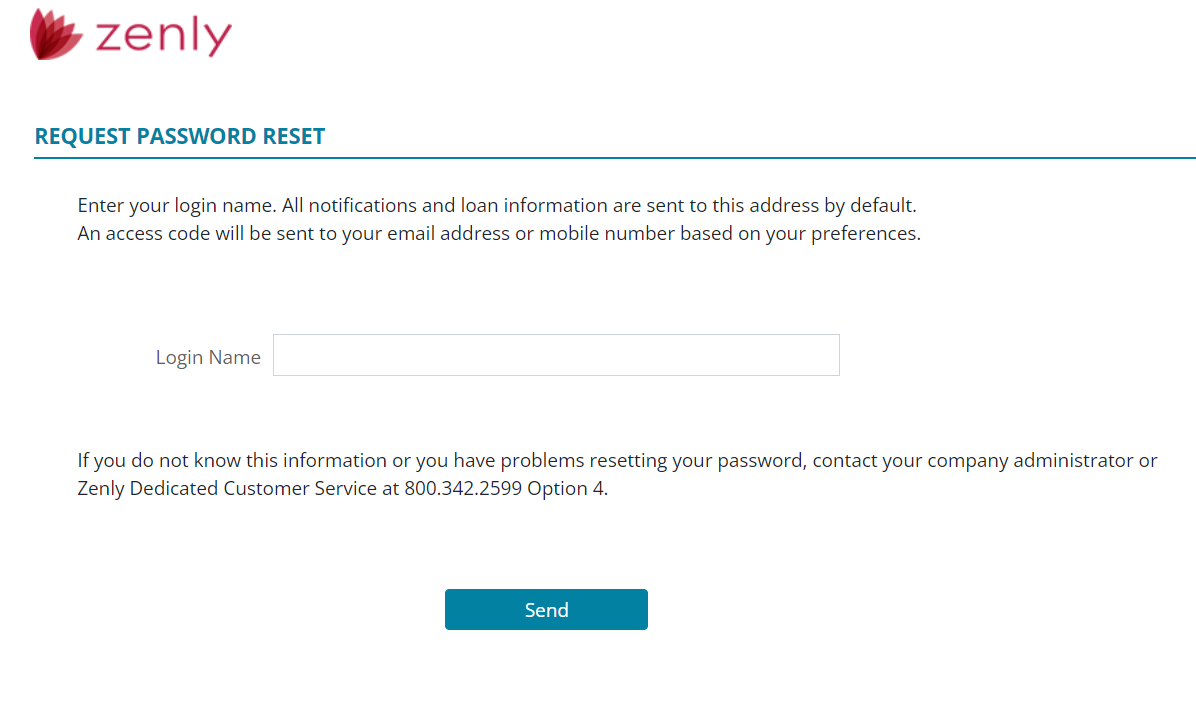
- Enter Login Name.
-
Click the Send button to request the password change.
-
After receiving the code, type the Access Code into the field shown below.
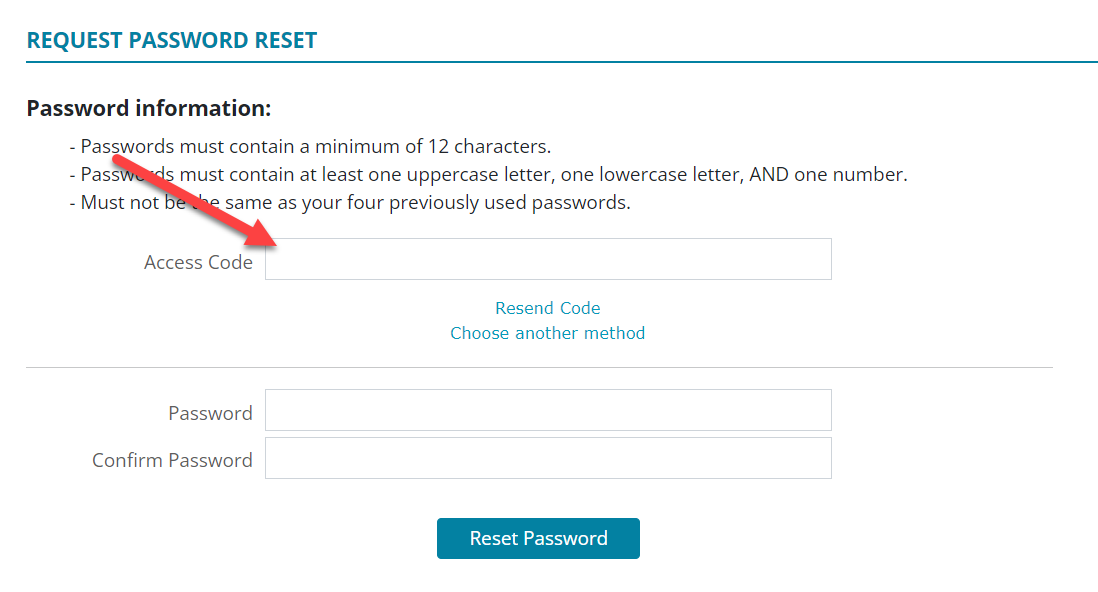
Note: The Choose another method allows the user to send the password request through a different method. See User Information.
-
Enter a new Password.
-
Enter the same password again to confirm.