Creating a New Lead
Use the New Lead button to create a new leads. Selecting the button opens the Tracking screen the user can insert information about the lead. The delete icon is available to remove any unwanted leads.
To create a Lead:
-
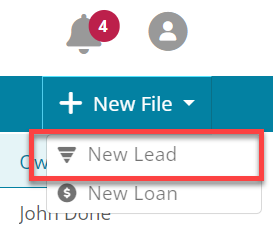
Select New File.
-
Click New Lead.