Liability
Enter the borrower/co-borrower combined liabilities. Enter mortgage liabilities populate the Unmatched Mortgage Liabilities table.
Adding Liabilities
Use the following steps to add liabilities.
- In a desired loan application, select Application > Borrower.
The Liabilities section is located below the Gifts or Grants Received section.
- Click on the Add button.

Note: Click an existing liability and use the Edit Liability dialog to update.
- Enter the Company Name and the company's Address information for the liability.
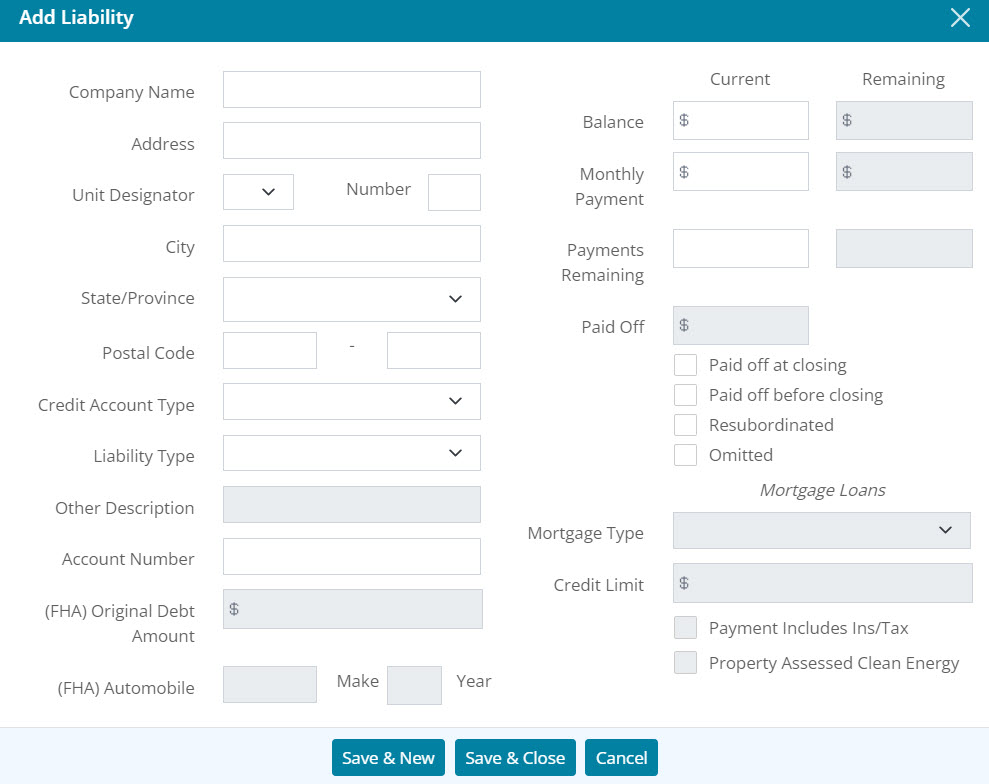
- Select the Credit Account Type from the dropdown menu.
- Select the Liability Type from the dropdown menu.
- Enter Other Description when selecting Other from the Liability Type dropdown.
- Enter the liability Account Number.
- Enter (FHA) Original Debt Amount if appropriate.
- Enter (FHA) Automobile information if appropriate.
- Enter Current Balance and Payment details.
- Enter Remaining amount if applicable.
- Complete the Paid Off amount if applicable.
- Check the appropriate checkboxes.
- Enter the Mortgage Type from the dropdown if applicable.
- Enter the Credit Limit amount if applicable.
- Check the appropriate checkboxes if applicable.
- Click Save & Close.
Note: Click Save & New to add another liability.
- Click on the Save button located at the top of the Borrowers screen.
Editing Liability
Use the following steps to edit a liability in the Liabilities table.
- In a desired loan application, select Application > Borrower.
The Liabilities section is located below the Gifts or Grants Received section.
- Select the desired liability listed in the table.
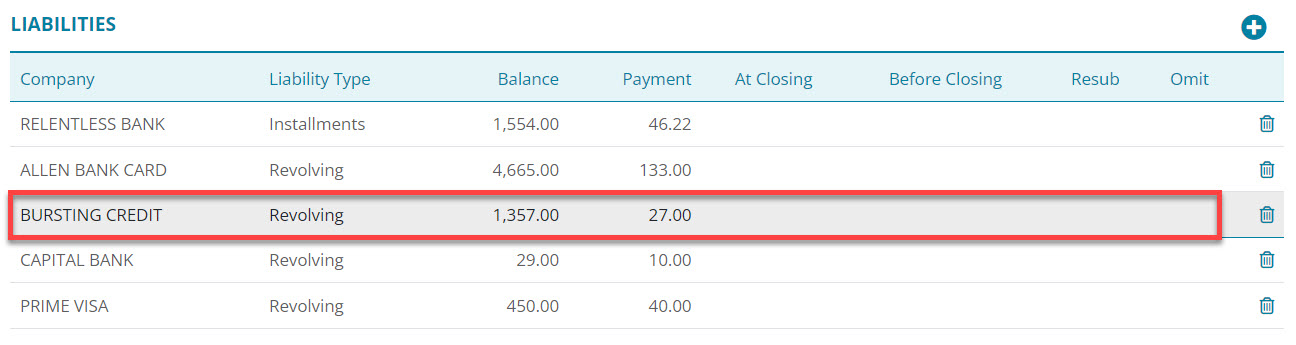
- Update the information for the liability as applicable.
- Click Save & Close.
Note: The Real Estate table updates automatically when changes are made to a real estate owned liability.
- Click on the Save button located at the top of the Borrowers screen.
Deleting Liabilities
Use the following steps to delete a liability in the Liabilities tables.
- In a desired loan application, select Application > Borrower.
The Liabilities section is located below the Gifts or Grants Received section.
- Click on the delete icon associated with the undesired liability.
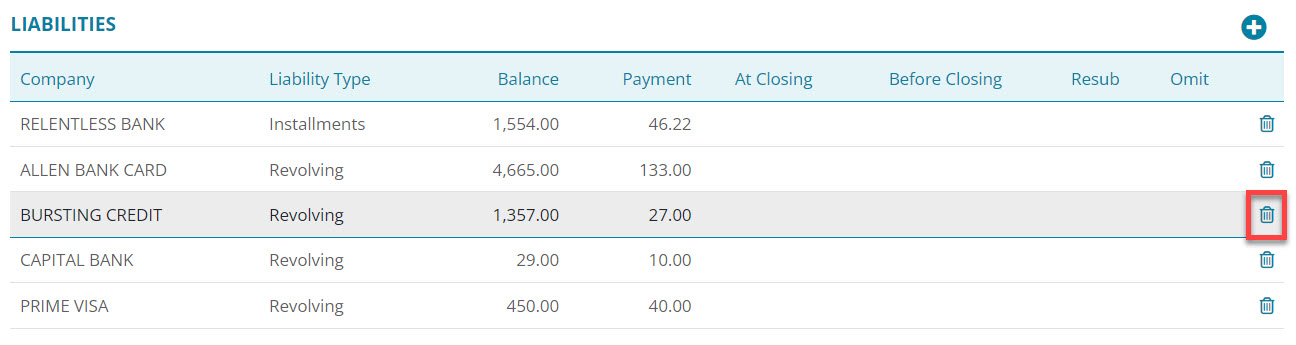
- Select the Delete button on the Delete Confirmation dialog.
- Click on the Save button located at the top of the Borrowers screen.